

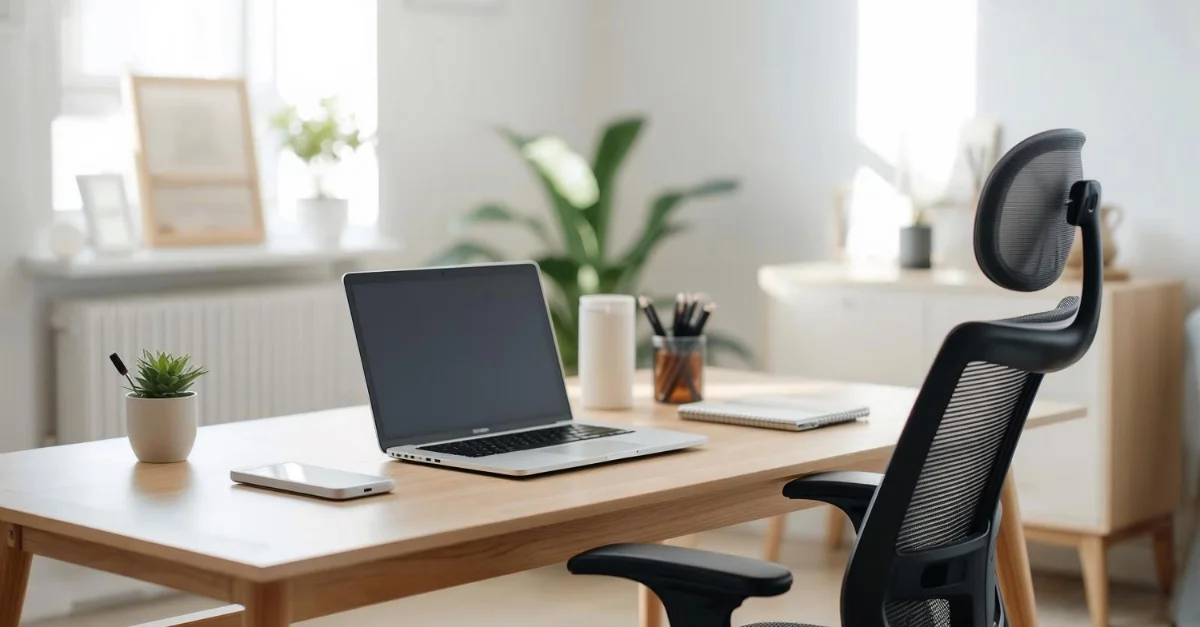
Creating a productive home workspace requires a careful balance between an organized physical environment, the right equipment, and healthy daily habits. A well-designed home office reduces distractions, improves focus, and supports both physical and mental well-being. Here’s a guide to the essential elements for building an efficient workspace in 2026.
Identify Your Workspace
Choosing the right location is the first step in creating a productive environment. Pick a quiet, low-traffic area of your home where interruptions are minimal. Avoid shared spaces like kitchens or living rooms that tend to have more distractions. If space is limited, use dividers, shelves, or curtains to define a clear boundary for your office. Keep the area clean and clutter-free, as a tidy environment signals your brain that it’s time to focus. Proper zoning helps separate work from personal life, which is essential for maintaining a healthy routine and work-life balance.
Get the Right Equipment
Having the right tools is crucial for comfort, efficiency, and productivity. Invest in an ergonomic chair with adjustable lumbar support to prevent back strain. Pair it with a dedicated desk or a sit-stand desk to allow posture variation throughout the day. External monitors, preferably dual screens, improve workflow and reduce eye strain. A fast and reliable internet connection is critical for seamless video calls and file sharing. High-quality keyboards, mice, webcams, and microphones ensure comfortable typing and clear virtual communication. Consider cable management tools and docking stations to keep your setup organized and clutter-free. The right equipment reduces physical strain and enhances focus for long periods.
Lighting and Temperature
Lighting and temperature significantly impact energy, mood, and concentration. Position your desk near a source of natural light to boost alertness and reduce fatigue. Use adjustable desk lamps or LED lights with eye-care technology to avoid strain during focused tasks. Avoid harsh overhead fluorescent lighting that can cause discomfort and headaches. For video calls, ensure the background is clean and well-lit to maintain a professional appearance. Maintain a comfortable room temperature between 20–24°C, and adjust airflow using fans, heaters, or air conditioning as needed. Stable lighting and temperature conditions help you remain energized and focused throughout the day.
Health and Ergonomics
Maintaining proper posture and incorporating movement are essential for long-term well-being. Keep your monitor at eye level, shoulders relaxed, and feet flat on the floor or on a footrest. Follow the 20-20-20 rule for your eyes: every 20 minutes, look at something 20 feet away for 20 seconds. Stand, stretch, or take a short walk every hour to prevent stiffness and improve circulation. Consider small ergonomic accessories like wrist supports, keyboard trays, or footrests for additional comfort. Ergonomic practices protect your health while boosting productivity and reducing fatigue over time.
Time Management and Breaks
Effective time management prevents burnout and keeps your workday structured. Use time-tracking tools or productivity apps like Toggl, Clockify, or Notion to monitor your tasks and workflow. Apply time-blocking techniques to allocate dedicated periods for focused work, meetings, and collaboration. Take short breaks of five to ten minutes every hour to rest your mind, stretch, or hydrate. Avoid distractions like social media during these breaks to ensure they remain restorative. Consistent micro-breaks improve concentration, creativity, and long-term productivity.
Noise Control and Focus Enhancers
Managing sound and maintaining focus can dramatically improve your efficiency. Noise-cancelling headphones or ambient noise apps help block distracting background sounds. If possible, create a soundproof or low-noise workspace. Adding small touches like plants, personal inspiration items, or background music can enhance mood and motivation. Proper organization of files and documents, along with clean desks and subtle color choices, supports clarity and focus. A thoughtfully designed workspace encourages sustained engagement and makes working from home more enjoyable.
Optional Enhancements
While not essential, additional features can improve comfort and productivity. Consider a whiteboard or corkboard for planning and brainstorming, a small air purifier for clean air, or anti-fatigue mats for standing desks. Blue light blocking glasses can reduce eye strain during long screen sessions. These enhancements make your workspace more personalized, efficient, and supportive of your health and creativity.

