

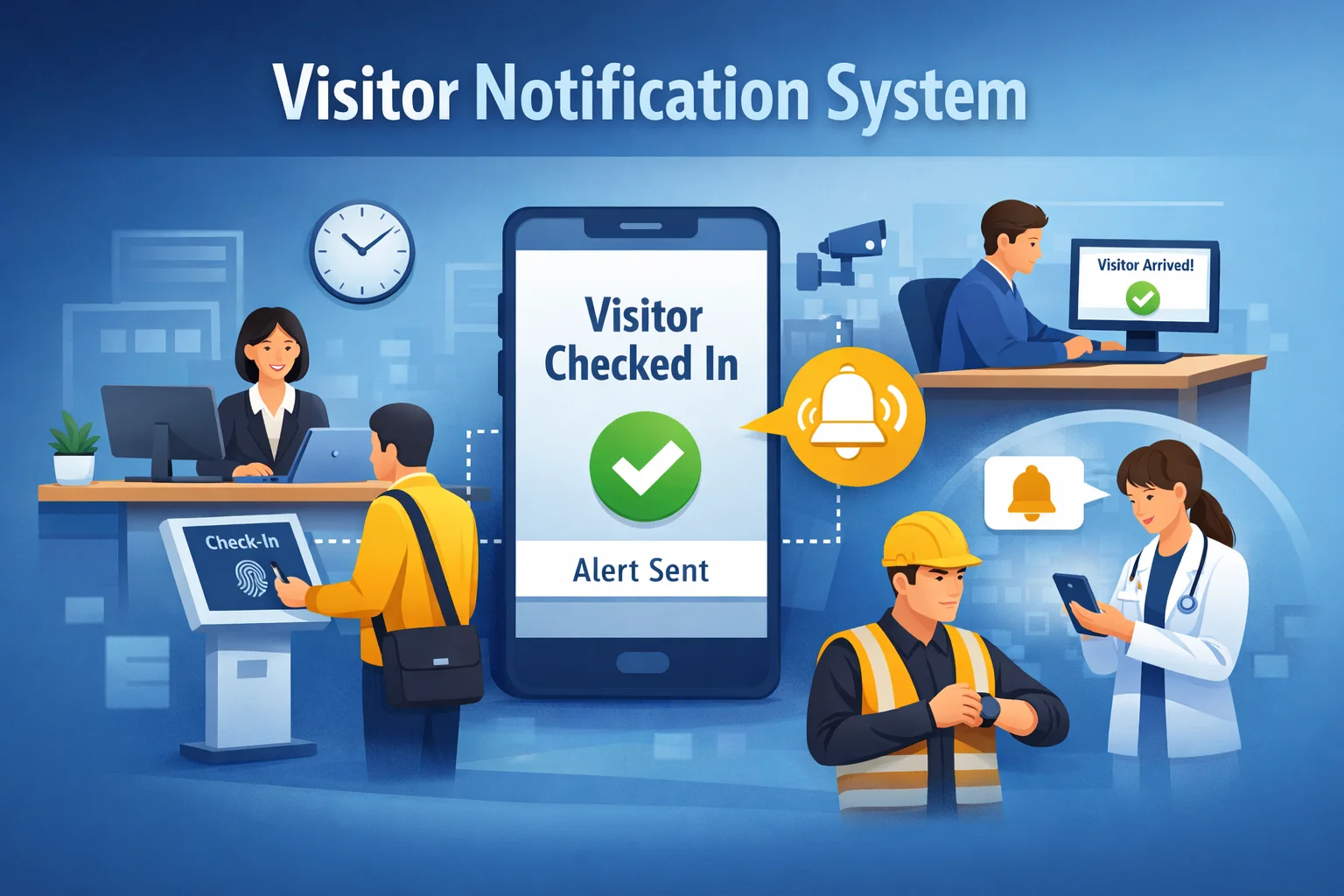
A visitor notification system is more than just an alert tool. It connects critical moments in the visitor journey, from check-in to host notification, and ensures smooth communication across the workplace. Here’s a detailed look at the key features:
1. Real-Time Visitor Alerts
Real-time visitor alerts are the heart of a visitor notification system. As soon as a visitor checks in, the system instantly notifies the host through email, SMS, or app notification. This eliminates the need for manual calls from the front desk and ensures employees are immediately aware of their guest’s arrival. Guests no longer wait unnecessarily, and meetings start on time, improving overall workplace efficiency.
2. Multi-Channel Notification Delivery
A modern system can deliver notifications across multiple channels to ensure the host sees them quickly. Whether it’s via email, SMS, push notifications on mobile apps, or integration with tools like Microsoft Teams or Slack, the system guarantees that alerts reach hosts wherever they are. This flexibility reduces the chances of missed notifications and keeps communication seamless.
3. Automated Host Identification
The system automatically identifies the correct host based on the visitor’s registration details. There’s no need for front desk staff to manually search for employee contact information. This feature removes confusion, speeds up the notification process, and ensures that the right person is always informed without delay.
4. Visitor Pre-Registration Support
Many visitor notification systems allow guests to pre-register before their visit. This means hosts can receive alerts even before the visitor arrives, and the check-in process becomes faster and more accurate. Pre-registration also enables the system to validate visitor details, print badges in advance, and provide a smoother arrival experience.
5. Live Visitor Tracking Dashboard
A live dashboard gives reception and security teams complete visibility of everyone currently on-site. This feature improves security monitoring, helps in emergency planning, and allows staff to track visitor flow throughout the day. The dashboard also makes it easier to manage multiple visitors arriving simultaneously.
6. Security and Access Control Integration
Visitor notification systems can integrate with access control tools like key cards, turnstiles, or smart locks. This ensures that only approved visitors are granted entry, and hosts are notified instantly when their guest arrives. This integration strengthens workplace security while providing a seamless visitor experience.
7. Custom Notification Rules and Settings
Organizations can customize how notifications are sent. For example, alerts can be escalated if the host does not respond within a certain time, or multiple employees can be notified for important visits. These customizable settings ensure no visitor is left waiting and the system adapts to the company’s workflow.
8. Digital Visitor Records and Reporting
Every visit is automatically logged in the system, including check-in and check-out times, host information, and visitor history. This digital record replaces paper logs, making reporting, compliance audits, and visitor analytics easy and accurate. It also helps organizations track visitor patterns and optimize workflows.
9. Contactless and Self-Service Check-In
Modern systems often offer contactless check-in via QR codes or self-service digital kiosks. This feature improves convenience, reduces front desk congestion, and supports hygiene and safety standards. Visitors can check in quickly without physical interaction, creating a smoother first impression.
10. Integration With Workplace Tools
Visitor notification systems can connect with calendar apps, HR systems, and workplace management software. This ensures automatic updates, synchronized schedules, and seamless communication between teams. Integration reduces manual data entry, keeps visitor information accurate, and improves overall operational efficiency.

