

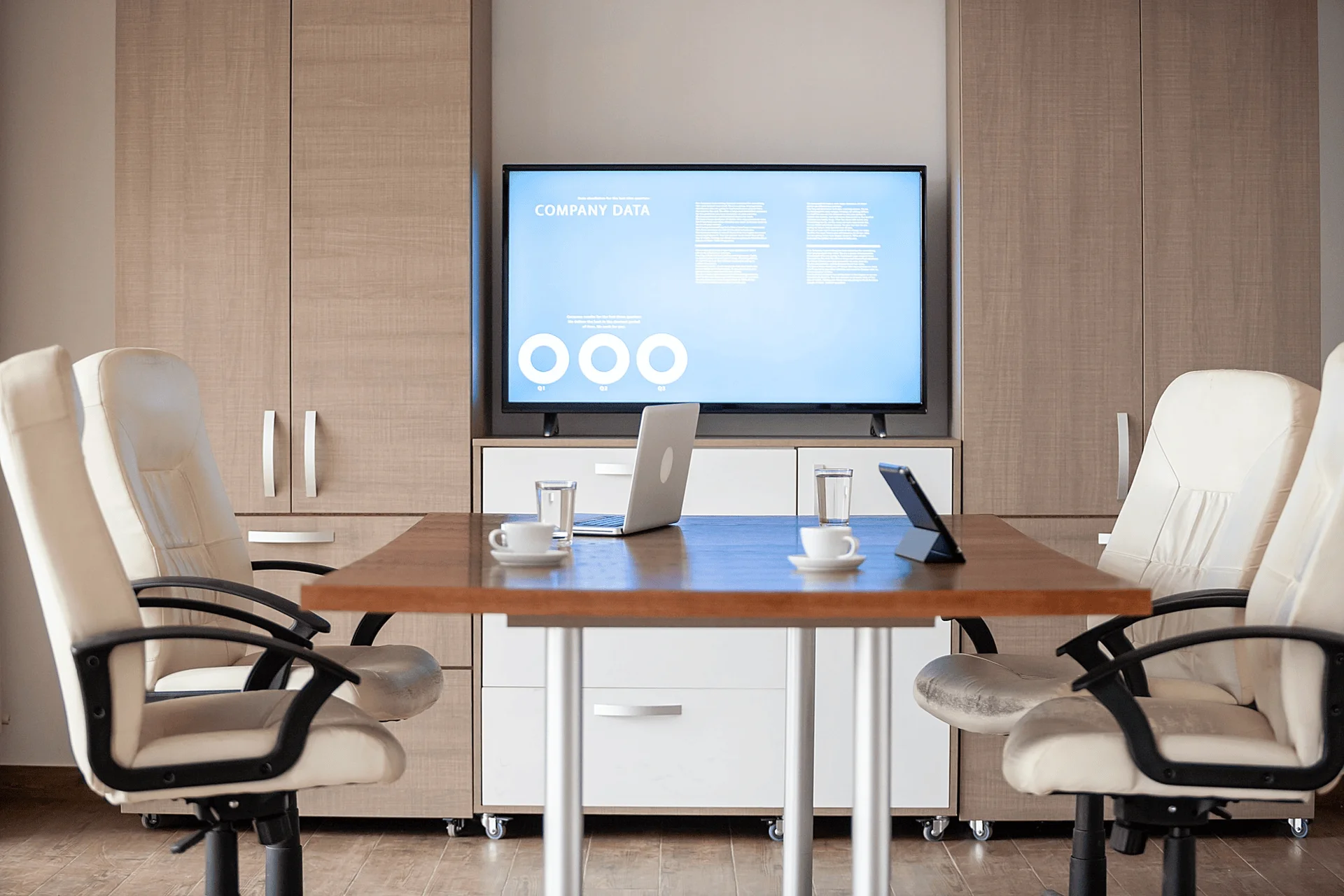
To support hybrid work effectively, organizations must invest in the right mix of conference room technologies. These solutions improve communication, reduce meeting delays, and enhance overall collaboration experiences.
1. AI Powered Meeting Assistants
AI powered meeting assistants help organizations capture, organize, and analyze meeting discussions automatically without manual effort. These tools use advanced speech recognition to convert conversations into searchable transcripts while generating summaries and action items in real time. By reducing the need for manual note taking, they allow participants to stay focused on discussions and improve overall meeting productivity.
Popular AI Powered Meeting Assistants Tools
- Otter.ai: Otter.ai is an AI powered meeting assistant that transcribes discussions in real time. It generates searchable notes, highlights key points, and tracks action items automatically. This allows participants to stay engaged in the conversation without worrying about manual note taking.
- Zoom AI Companion: Integrated directly into Zoom meetings, Zoom AI Companion provides automated summaries, transcripts, and next step tracking. It helps teams revisit discussions quickly, ensuring important decisions and tasks are captured accurately.
- Microsoft Copilot: Microsoft Copilot works with Microsoft Teams and Microsoft 365 to record meetings, summarize discussions, and assign action items. Its integration with existing tools allows seamless collaboration and easy reference for hybrid teams.
2. Smart Video Conferencing Systems
Smart video conferencing systems enable seamless communication between remote and in office participants by combining cameras, microphones, and speakers into a single solution. These systems use intelligent framing and noise reduction to automatically adjust video and audio quality during meetings. This creates a more natural and engaging experience, helping teams collaborate effectively without technical disruptions.
Popular Video Conferencing Systems
- Logitech Rally Bar: The Logitech Rally Bar is an all-in-one video conferencing solution with intelligent cameras, noise filtering microphones, and high-quality speakers. It adjusts framing automatically and delivers clear audio, creating a more natural meeting experience for all participants.
- Poly Studio: Poly Studio combines cameras, microphones, and speakers to provide professional video and audio for conference rooms. Its auto framing and noise suppression features ensure smooth communication for remote and in office attendees.
- Cisco Webex Room: Cisco Webex Room systems offer integrated video, audio, and collaboration tools. They include AI powered camera tracking, advanced microphones, and high-resolution displays to improve meeting engagement and minimize technical disruptions.
3. Interactive Smart Displays
Interactive smart displays provide a shared digital workspace where teams can collaborate visually and interact with content during meetings. These displays allow users to draw, edit documents, and brainstorm ideas directly on the screen in real time. This improves engagement, enhances understanding, and helps teams develop ideas more efficiently during collaborative sessions.
Popular Interactive Smart Displays
- Microsoft Surface Hub: Microsoft Surface Hub is a large touch-enabled display that supports real time collaboration. Users can draw, annotate, and edit content during meetings while connecting seamlessly with Microsoft Teams and Office 365 for hybrid collaboration.
- Google Jamboard: Google Jamboard is a cloud-connected interactive whiteboard that allows teams to brainstorm, sketch, and share ideas in real time. Remote participants can join instantly, making collaboration smooth and highly visual.
- SMART Board: SMART Boards provide multi-touch capabilities for interactive presentations. Teams can annotate documents, create diagrams, and collaborate across devices, making meetings more engaging and productive.
4. Wireless Presentation Systems
Wireless presentation systems allow users to share content from their devices without relying on cables or physical connections. These systems connect devices to meeting room displays through secure wireless networks, enabling quick and seamless presentations. By eliminating setup delays and reducing technical issues, they improve meeting efficiency and create a smoother workflow.
Popular Wireless Presentation Systems
- Barco ClickShare: Barco ClickShare enables participants to share their screens wirelessly without cables. It connects laptops, tablets, and smartphones to the conference room display quickly, reducing setup time and improving meeting flow.
- Airtame: Airtame allows users to stream content from any device securely to shared screens. Its wireless connection removes technical delays and supports smooth collaboration across hybrid teams.
- Mersive Solstice: Solstice provides a flexible wireless presentation system that supports multiple simultaneous presenters. It ensures fast, reliable screen sharing and enhances overall meeting efficiency.
5. Smart Room Scheduling Systems
Smart conference room scheduling systems help organizations manage meeting spaces efficiently by providing real time visibility into room availability. These systems integrate with digital calendars and allow employees to book rooms using panels or mobile applications. This reduces scheduling conflicts, improves space utilization, and ensures that meeting rooms are used effectively.
Popular Room Scheduling Systems
- DeskFlex: DeskFlex offers real time room availability and easy booking via mobile apps or panels. It reduces scheduling conflicts and ensures conference rooms are used efficiently throughout the day.
- Robin: Robin integrates with office calendars to manage meeting room bookings effectively. It provides real time availability and analytics, helping organizations optimize workspace utilization.
- Microsoft Teams Panels: Teams Panels connect to Microsoft Teams calendars to show room availability outside conference rooms. They allow quick bookings and integrate seamlessly into existing scheduling workflows.
6. IoT Enabled Smart Conference Rooms
IoT enabled conference rooms use connected devices and sensors to automate various aspects of the meeting environment. These systems can adjust lighting, temperature, and equipment settings automatically based on room occupancy and meeting schedules. This reduces manual setup time, enhances user experience, and improves energy efficiency across the workplace.
Popular IoT Tools
- Crestron: Crestron smart conference room solutions use sensors and connected devices to automate lighting, temperature, and equipment. Rooms prepare themselves automatically, reducing setup time and enhancing the meeting experience.
- Cisco Smart Room Solutions: Cisco Smart Room Solutions integrate IoT technology to control video, audio, lighting, and environmental settings. These systems adjust automatically based on occupancy and schedules, improving efficiency and energy savings.
- Johnson Controls: Johnson Controls provides IoT enabled systems that optimize room conditions and equipment usage. They enhance comfort, reduce manual intervention, and ensure meetings start promptly with minimal preparation.
7. Advanced Audio Conferencing Equipment
Advanced audio conferencing equipment ensures clear communication by capturing and delivering high quality sound throughout the meeting space. These systems use noise cancellation and echo reduction technologies to eliminate background disturbances and improve voice clarity. This helps participants stay focused and reduces misunderstandings during important discussions.
Popular Audio Conferencing Equipment
- Poly: Poly audio systems deliver crystal clear sound throughout the conference room. They feature noise cancellation and echo reduction, ensuring remote and in person participants hear every detail without distractions.
- Yamaha: Yamaha conferencing solutions provide high quality audio with advanced sound processing. Their systems enhance speech clarity, reduce background noise, and allow everyone to stay engaged during important discussions.
- Jabra: Jabra speakerphones and microphones capture voices accurately across the room. They integrate easily with conferencing platforms and improve communication efficiency during hybrid or in person meetings.
8. High Definition Cameras
High definition cameras capture clear and detailed video, making it easier for remote participants to stay engaged during meetings. These cameras often include features such as auto tracking and wide angle coverage to focus on active speakers. This creates a more inclusive experience and improves communication between all participants.
Popular Cameras
- Logitech Rally Camera: Logitech Rally Camera offers Ultra-HD video with auto tracking and intelligent framing. It ensures remote participants can follow active speakers clearly, creating a more inclusive and engaging meeting experience.
- AVer CAM540: AVer CAM540 is a 4K PTZ camera that provides wide angle coverage and SmartFrame technology. It tracks speakers automatically, improving communication and making hybrid meetings feel more natural.
- Cisco SpeakerTrack: Cisco SpeakerTrack cameras detect active speakers and adjust framing automatically. This reduces manual camera control, provides clear video for remote attendees, and improves collaboration across teams.
9. Conference Room Lighting Systems
Conference room lighting systems improve visibility and enhance video quality by providing proper illumination during meetings. Smart lighting solutions allow users to adjust brightness and color settings based on meeting requirements. This creates a comfortable environment, reduces eye strain, and ensures that participants appear clearly on video calls.
Popular Conference Room Lighting Systems
- Philips Hue: Philips Hue White and Color Ambiance allows customizable lighting for presentations or brainstorming. It supports mobile and voice control, improving visibility, video quality, and participant comfort.
- Lutron Vive: Lutron Vive is a wireless lighting control solution that adjusts brightness and color. It integrates with building systems to enhance comfort, reduce energy consumption, and maintain productivity in meeting spaces.
- Crestron Lighting: Crestron Zūm offers scalable smart lighting for conference rooms. It automatically adjusts light levels based on occupancy and daylight, creating an ideal environment for meetings and video calls.
10. Meeting Room Displays and Digital Signage
Meeting room displays provide a central platform for presentations, video conferencing, and content sharing during meetings. These displays often include high resolution screens and interactive features for better collaboration. They also integrate with scheduling systems to show room availability, improving overall meeting room management.
Popular Meeting Room Displays and Digital Signage
- Samsung Flip: Samsung Flip is an interactive digital display that allows multiple users to write, draw, and share content in real time. It improves collaboration and makes hybrid meetings more engaging.
- LG Interactive Displays: LG interactive displays offer high resolution, touch capability, and cloud connectivity. They allow teams to present, annotate, and share content efficiently during collaborative sessions.
- BenQ Panels: BenQ UHD panels combine high resolution screens with interactive features. They integrate with room scheduling systems to show availability, enhancing meeting management and workflow across teams.

