

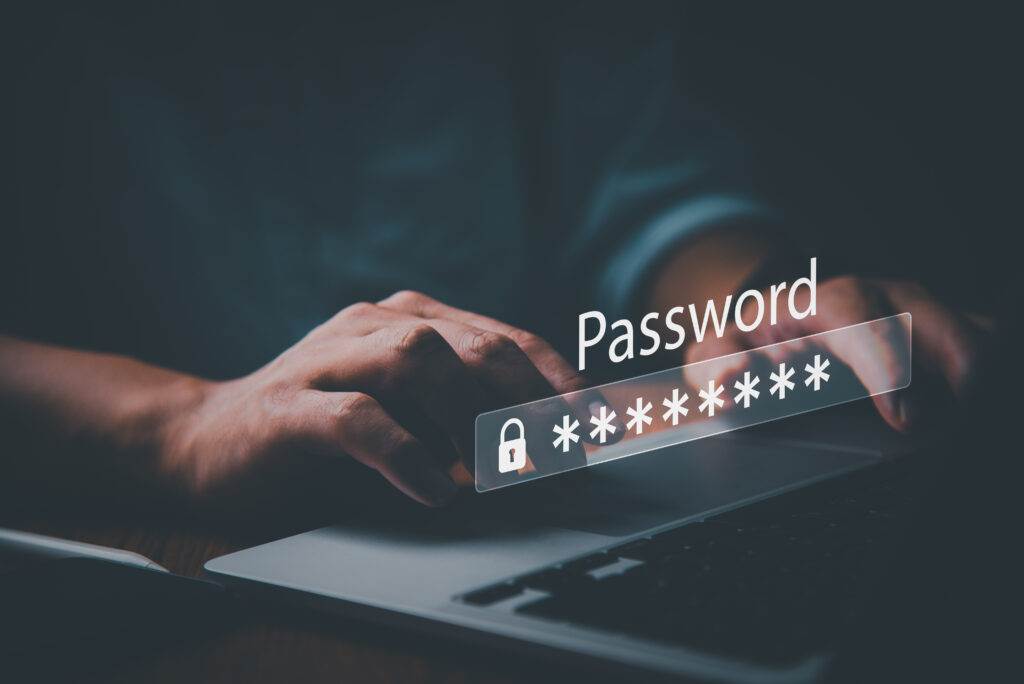
Today, our entire lives – professional and personal – are online, necessitating the need for passwords. Increasing your security steps is now imperative. For Realtors, it’s not just about locking doors after an Open House but also bolting the virtual gateways to invaluable data: yours and your clients.
It’s challenging for anyone to keep track of the password demands of today as it seems nearly everything we access needs a password. Unfortunately, shortcuts can be costly. Using a simple password or a variation of a main password structure is like leaving your doors unlocked, begging hackers to enter.
In a recent study by NordPass, the word “password” was the fifth most popular for nearly 21 million people worldwide. The top four passwords were “123456,” “123456789,” “12345,” and “qwerty.”
It’s also a common practice to simply create a variation of your favorite password, but experts warn that doing this exposes you to monumental risks.
Here are six reasons why you don’t want to create a variation of the same password and strategies to increase the protection of your data online.
-
The Peril of Password Variations
Switching a number here or capitalizing a letter there might seem like you’re outsmarting potential threats. But hackers are more sophisticated than ever. With advanced software programs that run powerful algorithms, bad actors can quickly predict exposed password variations. It’s akin to a criminal casing a bank and studying routines. They still find their way in if you shift your spare key from the doormat to the flowerpot.
-
The Dangers of the Dark Web
When internet breaches occur, the dark web becomes a marketplace of stolen data. Passwords are among the prime commodities. Are you using slightly adjusted passwords across platforms? If so, it potentially hands hackers a key to every digital room of your life.
Again, for Realtors, protecting your data extends beyond personal ramifications. It means potentially jeopardizing client data – breaking their trust if sensitive information is accessed.
-
The Power of Modern Browsers
Today’s popular internet browsers like Google Chrome, Safari, and Microsoft Edge aren’t just internet portals. They can fortify your online activity. By leveraging their cutting-edge features, you gain:
Auto-generated Passwords: Your browser can instantly offer watertight passwords tailored to each site. Better yet, they store your new credentials and retrieve them as needed.
Secure Vaults: Never forget or misplace your passwords again – the browser remembers them for you.
Prompt Updates: Keeping your browser current ensures it will have the latest security protocols ready to protect you from nefarious plays. A continually updated browser is akin to a shield that’s ever-changing to fend off the newest threats.
-
Passkey Protection
Tech giants Google and Apple are launching a new era of passkeys. What are passkeys, and why should you care? Passkeys are the next generation of technology designed to replace passwords – and the challenges they create.
First, passkeys are digital marvels. They are secure digital tokens that do away with the age-old hassle of recalling your passwords. Second, passkeys are unique to each site or application, residing securely within your device. Think of it as your distinctive digital signature for each site requiring secure access. What’s the big deal? A compromised passkey for one site is utterly useless elsewhere.
-
Multi-Factor Authentication (MFA)
MFA might feel like a chore, but the little bit of extra work makes it worth the effort. Visualize it as an advanced security system of a home. It demands not one but multiple proofs of identity – a known password, a device in hand, often to enter a code sent, or sometimes a biometric imprint like a face or fingerprint scan.
This multifaceted defense means intruders can’t go any further, even if one part beaches.
-
Password Managers
Does having to manage countless, highly unique passwords frighten you? An easy alternative is to use a password manager. Password managers are specialized software tools and browser add-ons designed to help you create, store, and retrieve intricate and unique passwords for your online accounts. Think of them as digital vaults.
You only need to remember one strong master password to access your password manager, and it takes care of the rest, inputting the correct password on the right site whenever you need it.
Reaping the Benefits
When you forgo the lure of password shortcuts, you reap huge benefits:
Trust: In an industry where your reputation is everything, safeguarding client data is vital.
Peace of Mind: You can soundly sleep when you realize your digital identity is shut tighter than a drum.
Efficiency: By using any of these automated tools, you’ll spend less time on password recovery and more on your business.
Fortifying Your Future
Knowing the importance of password protection is the first step. Using the latest technology to fortify your online access is the next one. If you need help and advice, contact a friendly analyst at Tech Helpline, a free member benefit for over 765,000 Realtors across North America, for assistance.
Remember, using a more thoughtful approach to your passwords keeps your doors locked and prevents bad actors from breaking in.
Related Reads
Is Your Computer Protected from All The Newest Cyber Threats? A Quick Checklist
Top 5 Ways for Real Estate Agents to Protect Their Data and Personal Privacy

