

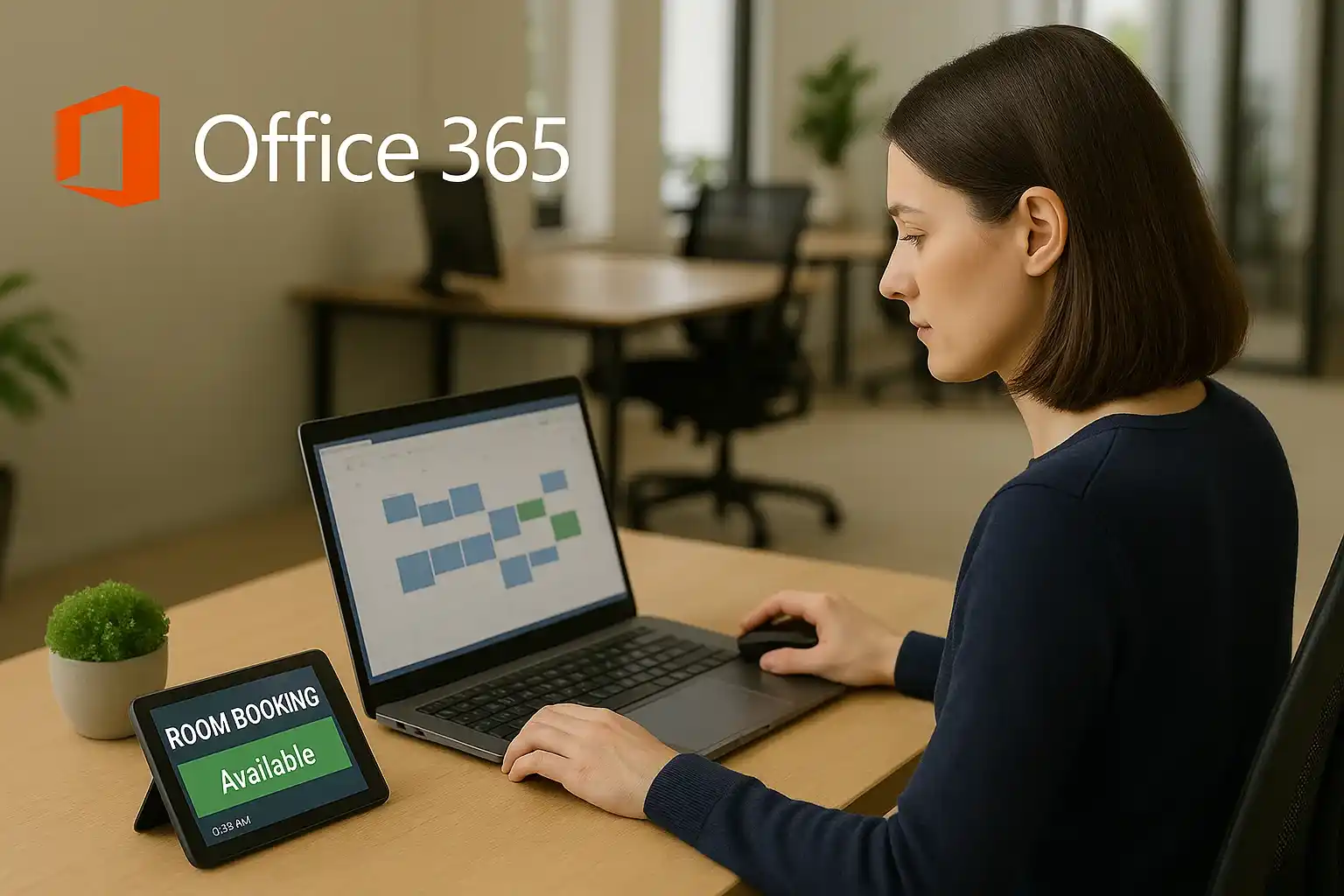
The Microsoft Office 365 room booking system offers several features that simplify scheduling, improve productivity, and ensure efficient use of meeting spaces. Each feature is designed to save time and make booking easier for both employees and administrators.
1. Real-Time Room Availability
The system provides instant visibility into which rooms are available at any given time. This helps teams make faster scheduling decisions, avoid double bookings, and ensures that meetings start on time. Real-time updates mean that changes to room schedules are immediately reflected across all users, reducing confusion and improving coordination.
2. Simple and User-Friendly Interface
Employees can easily view room details, including capacity, layout, and amenities, before making a booking. The interface is intuitive, which means even new users can navigate it without training. By simplifying the booking process, it reduces errors, speeds up scheduling, and allows employees to focus on preparing for their meetings rather than figuring out logistics.
3. Equipment and Resource Information
Each room displays the available equipment, such as projectors, video conferencing tools, whiteboards, and seating arrangements. This feature allows employees to select rooms that meet their meeting requirements and ensures that meetings are well-equipped. It reduces last-minute changes or technical issues and increases overall meeting effectiveness.
4. Access on Multiple Devices
The platform can be accessed on desktops, laptops, and mobile devices. Employees can book rooms on the go, check availability remotely, and make quick updates if plans change. This flexibility is especially useful for hybrid teams and employees who travel between offices or work remotely.
5. Automated Confirmations and Notifications
The system automatically sends confirmations when a room is booked and reminders before the meeting starts. This reduces the need for manual follow-ups and ensures that attendees are always aware of their scheduled meetings. Automated notifications improve reliability, accountability, and overall team coordination.
6. Administrative Controls and Policies
Administrators have full control over room resources and booking rules. They can restrict access, set booking limits, enforce cancellation policies, and monitor usage trends. These controls help organizations optimize space utilization, maintain order, and enforce compliance with internal policies, making the system efficient for large teams and complex office environments.

