



Do you cringe at the thought of one-size-fits-all email blasts? I get it.
From juggling complex automation and segmenting audiences to personalizing messages and analyzing campaign performance, marketers are expected to do it all. And when your budget is tight, frustration can hit faster than you can say “unsubscribe.”
That’s why I was excited to discover that high-impact email marketing doesn’t have to cost a thing. There are several free email marketing tools out there that are versatile, powerful, and surprisingly cost-effective.
The best part? You don’t have to spend hours hunting for the right one. I’ve compiled a list of the 10 best free email marketing software options, breaking down top features, pros, and cons, as well as real user experiences from G2. This guide will help you find the tool that best fits your needs, ensuring your campaigns consistently hit the mark.
10 best free email marketing software for 2026
-
Brevo Marketing Platform: Best for marketing automation
Includes email automation, transactional emails, and detailed analytics -
Campaign Monitor by Marigold: Best for designer-friendly templates
Offers beautifully designed templates and simple drag-and-drop campaign building -
Constant Contact: Best for small businesses and event marketing
Tightly integrated tools for email campaigns, event invites, and social posting -
GetResponse: Best for free email marketing with landing pages
Includes email automation, signup forms, and landing page creation -
Intuit Mailchimp: Best for all-in-one beginner-friendly campaigns
Offers easy-to-use email templates, automation, and audience management -
MailerLite: Best for simplicity and design flexibility
Drag-and-drop editor, landing pages, and campaign reporting -
Moosend: Best for advanced automation on a free plan
Provides automation workflows, reporting, and audience segmentation -
Robly: Best for AI-powered email optimization
Focuses on automation, personalization, and open-rate optimization -
Systeme.io: Best for all-in-one marketing workflows
Combines email campaigns, automation, landing pages, and funnels -
Zoho Campaigns: Best for integration with business apps
Seamlessly connects with Zoho CRM and other Zoho tools for targeted campaigns
*The software list is arranged alphabetically. These tools offer free trials, free forever options, or freemium models.
Comparison of the best free email marketing software
If you feel overwhelmed by the wealth of information about free email marketing software, this comparison table will help you with all the important aspects:
| Best free email marketing software | G2 Rating | Free plan | Paid plan |
| Brevo Marketing Platform | 4.5/5 ⭐ | Available with limited features | Starting at $8.08/month |
| Campaign Monitor by Marigold | 4.1/5⭐ | Unlimited free trial available | Starting at $10.8/month |
| Constant Contact | 4.1/5⭐ | 30-day free trial available | Starting at $12/month |
| GetResponse | 4.3/5 ⭐ | 30-day free trial available | Starting at $19/month (approx.) |
| Intuit Mailchimp | 4.3/5 ⭐ | Available with limited features | Starting at $6.35/month |
| MailerLite | 4.6/5 ⭐ | Available for limited users | Starting at $7/month |
| Moosend | 4.7/5 ⭐ | 30-day free trial available | Starting at $9/month |
| Robly | 4.5/5 ⭐ | 14-day free trial available | Starting at $15/month |
| Systeme.io | 4.8/5 ⭐ | Available for unlimited emails | Starting at $17/month |
| Zoho Campaigns | 4.3/5 ⭐ | Available with limited features | Starting at $3/month |
*All pricing details mentioned in the article are based on publicly available data at the time of publication and are subject to change.
10 best free email marketing software I recommend
The demand for email marketing software keeps rising as businesses rely more on automated, personalized communication to engage customers.
According to a market research report, the global email marketing software market is projected to reach $3.4 billion by 2030.
And from my experience, “best” doesn’t always mean “paid.” Some free email marketing tools I’ve used offered surprisingly strong capabilities — helping me design campaigns faster, automate routine tasks, manage subscribers, and track performance without adding pressure to my budget.
How did I find and evaluate these free email marketing tools?
I started with G2’s publicly available data, shortlisting top-rated tools based on their G2 scores and their consistent performance in the free email marketing category.
From there, I dug into product documentation, reviewed feature sets, and read recent, verified user reviews to see how well these tools actually perform — especially on their free plans.
My goal was simple: to understand what each product does best, whether it truly offers value at no cost, and if there’s a free version or a free trial worth trying before committing. Since this list focuses specifically on “free,” I paid special attention to what you can realistically accomplish without upgrading — including email volume limits, automation availability, template access, and whether advanced features like landing pages or segmentation are included in the free tier.
The screenshots featured in this article may include those from vendor G2 pages or publicly available sources.
The product list below features insights and real user reviews taken from top tools in the free email marketing software category. For this list, tools offering a free trial are also considered free, provided that you can meaningfully test the software without upfront costs.
To be included in this category, a solution must:
- Enable the creation and sending of emails via HTML or a WYSIWYG editor
- Provide email templates
- Allow users to preview and send test emails
- Store, track, segment, and manage email contact lists
- Offer campaign-based reporting and analytics to measure engagement and performance
- Support clear opt-in (e.g., signup forms, double opt-in) and easy opt-out options, compliant with global regulations such as CAN-SPAM, GDPR, CASL, etc.
- Focus on email as the primary channel and do not categorize it as marketing automation
This data was pulled from G2 in 2025. Some reviews may have been edited for clarity and accuracy.
1. Brevo Marketing Platform: Best for marketing automation
Brevo Marketing Platform (formerly known as Sendinblue) aims to help businesses create, send, and monitor email campaigns with ease. It includes a range of versatile features, such as a drag-and-drop editor, customizable templates, and basic automation.
According to G2 Data, 84% of small businesses use Brevo to create. Many users praise its seamless integration with various other tools and services, which significantly enhances its overall usability.
The free plan supports unlimited contacts and allows users to send up to 300 emails per day.

Pros and cons of Brevo: My take
What G2 users like about Brevo Marketing Platform:
“Brevo is easy to use and intuitive. We switched from another leading platform, and the implementation wasn’t difficult. There was support when required. It is easy to build contact lists and create automation to tag certain users for future targeted campaigns. We use the platform weekly, and the visual campaign builder makes it very easy to create emails, customize the look, test them, and schedule the optimal send time.”
– Brevo Marketing Platform Review, Christian O.
What G2 users dislike about Brevo Marketing Platform:
“I regret that no help is readily available in real time as an online chat. I had to write an email to customer service with a pressing issue, and because it was Friday and they were ‘abnormally busy,’ I had to wait until Monday to get an answer. The answer got me unstuck instantly, but I would have preferred interacting in real time with someone (NOT a bot, as 99% of the time they don’t help).”
– Brevo Marketing Platform Review, Pascale M.
2. Campaign Monitor by Marigold: Best for designer-friendly templates
Campaign Monitor, a well-regarded email marketing platform, offers a range of features that enable businesses to create and execute effective campaigns. It’s great for small startups, large enterprises, and everything in between. It also comes with smart email campaign software tools for designing, sending, and tracking.
The unlimited free trial allows users to create and send multiple test campaigns to up to five people.

Pros and cons of Campaign Monitor: My take
What G2 users like about Campaign Monitor by Marigold:
“Campaign Monitor is the very best tool for email marketing. It is straightforward to use. The best feature is the drag-and-drop builder, which helps us create content quickly. Additionally, we offer a wide range of customizable template libraries. Along with this, we have multiple options to make dynamic email campaigns.”
– Campaign Monitor by Marigold Review, Vijaya Kumar N.
What G2 users dislike about Campaign Monitor by Marigold:
“I’ve been using Campaign Monitor for more than 12 years, and it has not evolved that much compared to other comparable tools for small and midsize businesses. It’s basic, and you need time to learn how to utilize the functions other than sending a simple email. If your data becomes more complex year over year, you might struggle to continue to use this product. For example, segmentation can be limited while your needs are growing.”
– Campaign Monitor by Marigold Review, Karl L.
3. Constant Contact: Best for small businesses and event marketing
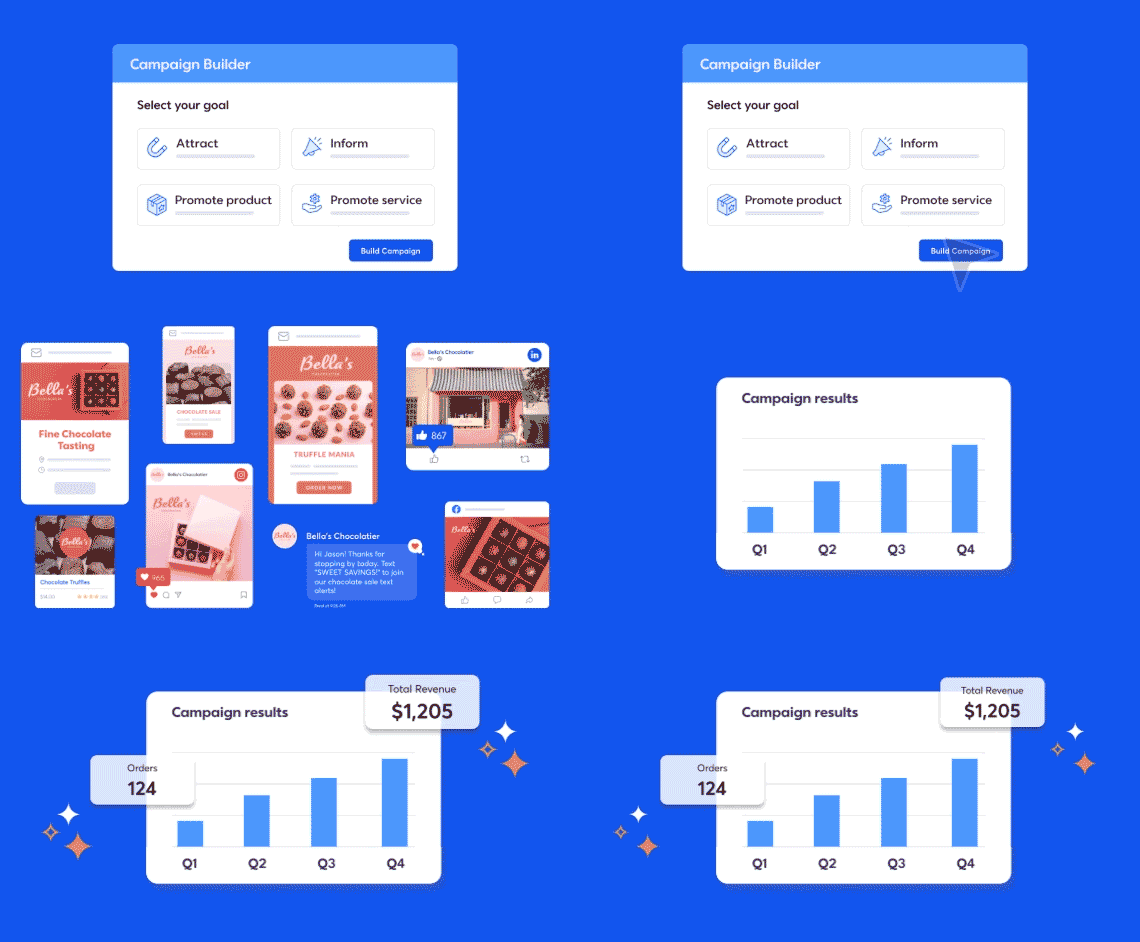
Constant Contact caters to both beginners and advanced users who want to create effective email campaigns. It makes designing emails straightforward with its drag-and-drop editor and expansive library of customizable templates.
According to G2 Data, 70% of small businesses use Constant Contact to create emails that are not only visually appealing but also on-brand. The free trial is available for 30 days and allows users to send up to 100 emails and create a social post, among other tasks.
Pros and cons of Constant Contact: My take
What G2 users like about Constant Contact:
“I deal with multiple companies every day and am continually frustrated by the Autobot that I have to deal with. I try to get around so I can talk to someone who has a heartbeat. I love Constant Contact because they have real people to share with, and I know that they really care about solving my problems. In most cases, I can simply have a chat and get my solution. When it is really tough, I can get a real person on the phone to cheer me on and be my teacher step by step. I might add that their documentation is fantastic, with so many articles, hints, and examples to learn from.”
– Constant Contact Review, Stephen D.
What G2 users dislike about Constant Contact:
“It seems like if a business has advanced marketing automation needs, Constant Contact may not be the best fit. While it does offer some basic automation features, other platforms might be better suited for organizations that require more sophisticated automation workflows or intricate customer journey mapping.”
– Constant Contact Review, Vaibhav P.
4. GetResponse: Best for free email marketing with landing pages
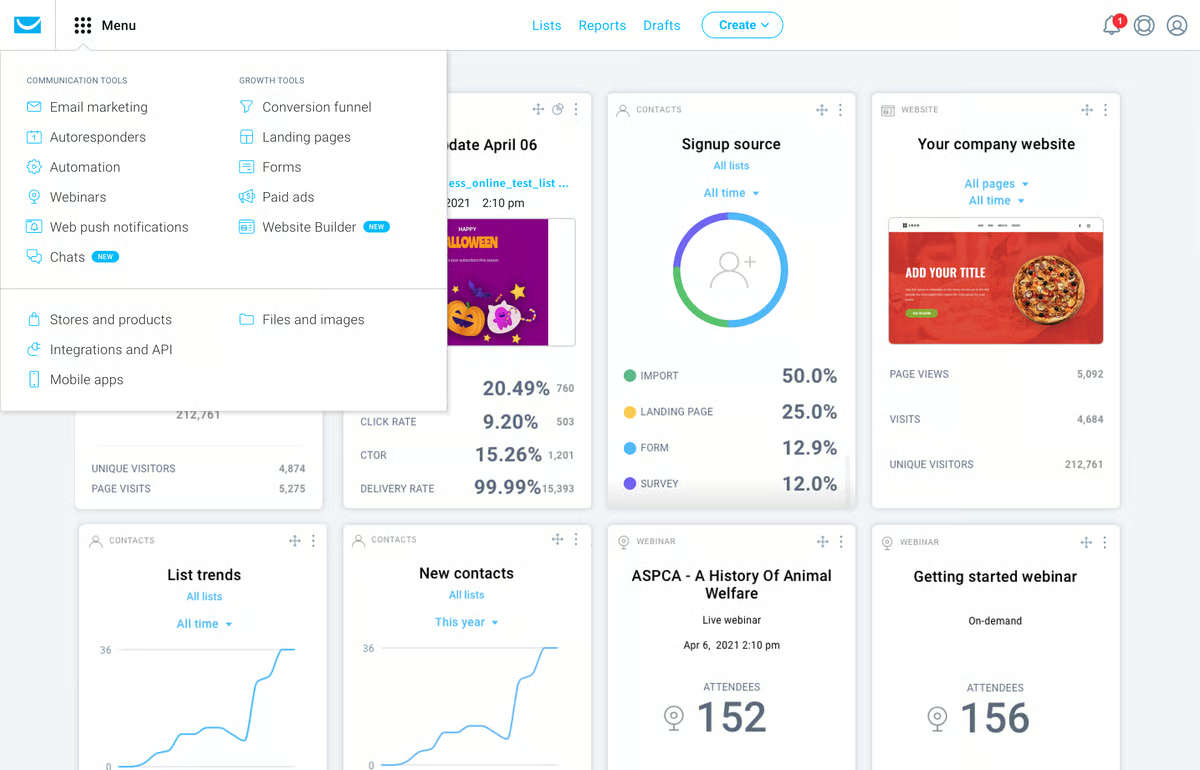
GetResponse’s universal email marketing platform helps businesses grow their audience, engage with customers, and sharpen their marketing efforts. It has a comprehensive feature set and tools for email marketing, automation, webinars, and landing pages.
The free trial is available for 30 days and provides access to all premium features, including AI-powered email newsletters, autoresponders, and custom workflows.
Pros and cons of GetResponse: My take
What G2 users like about GetResponse:
“Their live chat service is simply outstanding. It’s the best customer service I have ever experienced! They respond in less than a minute! When I don’t understand something, the advisors go above and beyond to help me. They don’t hesitate to provide screenshots or short explanatory videos to clarify things. This level of service is rare and invaluable. The staff is always welcoming and kind. Every interaction is pleasant; the advisors are always ready to help with a positive attitude. GetResponse’s email marketing software is simply astonishing. When properly set up, it ensures maximum deliverability and practically eliminates spam (bounce rates). It’s a powerful and reliable tool for any email campaign.”
– GetResponse Review, Tarik C.
What G2 users dislike about GetResponse:
“I wish I could have better access via API. For example, I use several plugins and services that connect to GetResponse via API. However, that access is limited. I can add them to my list but not tag them in specific ways based on their actions. Fortunately, they have a lot of features that could replace those plugins and services, which work for me.”
– GetResponse Review, Leslie S.
5. Intuit Mailchimp: Best for all-in-one beginner-friendly campaigns
Intuit Mailchimp prides itself on being one of the most popular free email marketing tools. It features user-friendly email design tools, including customizable templates and a simple drag-and-drop editor. In fact, according to G2 Review Data, 8838 reviews praise its ability to build personalized email campaigns.
You can use its analytics features to help track the success of your email marketing campaigns. Mailchimp also integrates with many popular tools and platforms, making it a versatile choice for small businesses and startups.
The free plan allows you to send up to 1,000 emails per month to 500 contacts and provides email support for the first 30 days.

Pros and cons of Intuit Mailchimp: My take
What G2 users like about Intuit Mailchimp:
“Mailchimp was a very easy platform to understand. It is very intuitive and has a lot of resources for small users or users with little knowledge of marketing. It is very easy to implement, and I am aware it’s easily integrated with other platforms like Zapier and Google Forms. I loved the templates and education provided by the software. I loved the analytics as they allow you to understand your audience and improve your content.”
– Intuit Mailchimp Review, Verónica S.
What G2 users dislike about Intuit Mailchimp:
“With a tool like this, I have rarely gone to customer service, but the times I have, the treatment left a lot to be desired. I feel like they left me alone. By the time I received attention, I had already resolved the problem on my part.”
– Intuit Mailchimp Review, Emmanuel C.
6. MailerLite: Best for simplicity and design flexibility
MailerLite brings businesses of all sizes a powerful yet easy-to-use email marketing platform. The platform consistently receives praise for its clean design and intuitive interface. MailerLite also features advanced functionality, including a landing page builder, pop-up forms, and email automation, making it a comprehensive tool for growing your email list and engaging your audience.
The free plan allows users to send up to 12,000 emails per month to a maximum of 1,000 subscribers. The paid plans also have a 30-day free trial to test out premium features.

Pros and cons of MailerLite: My take